
The mobile numbers update in Google Maps in 2026 is more important. It will play a major role in Google Business Profile (Google Maps) for businesses to attract customers and grow. Without a mobile number in Google Maps, it feels like being without hands. We updated more than 1500+ mobile numbers in 2024- 2025, and still, in this, I observed something clearly and practically.
I will tell you the exact steps that I observed in practically working with all types of business owners in all categories. No matter where you’re from, all over the world, these steps will be applicable for all businesses in the world in all categories
Importance of Mobile Number Update in Google Business Profile in 2026
No business will get calls without a call option in your Google Business Profile. Customers want to know about the business products that you provide and the service you give. No mobile number in Google Maps, there are no calls at all, it menas your loosing a customers who are interested in your products and services eagerly, who want to know about you. Everyone is deciding to purchase a product or a service, are mostly want to decide which business to visit in that area nearby, so if you have a call option, people may calls u and travel to your business location.
Steps to update your mobile number in Google Business Profile in 2026
- Sign Board
- Visiting card & Bill book
- Registered forms
- Invoices & utility bill
- Website information
- Submit the mobile number updation form
- Check edit status
- Check all social media entities
- Check advanced settings
- Check citations
- Check the mobile number in Truecaller
- Check in Google
- Check the trusted sites’ mobile number identity
Let’s see what all this clearly
Sign board

Check the signboard of your business, whether that signboard is clear and whether the mobile number is printed on it or not. Sometimes it’s not mandatory, but it helps in most cases. Let’s see what to include on your signboard
- Business name matches all over the entities
- Location Address
- Business-related photos
- Primary and secondary mobile number
- Prop name
- GST number, if you have
Visiting card & Bill book
Make sure your visiting card and bill match with Sign board details, and the category should match in all entities. Upload a photo to your Google business profile
Registered forms
Make sure your Government registration forms match the business name and category, and address the same as in all entities. Your name is registered as an owner, so while you submit a Phone number appeal form, the internal team checks that the owner is conforming to it or not with the same name. Know how to submit a Phone number appeal form.
Website Contact details
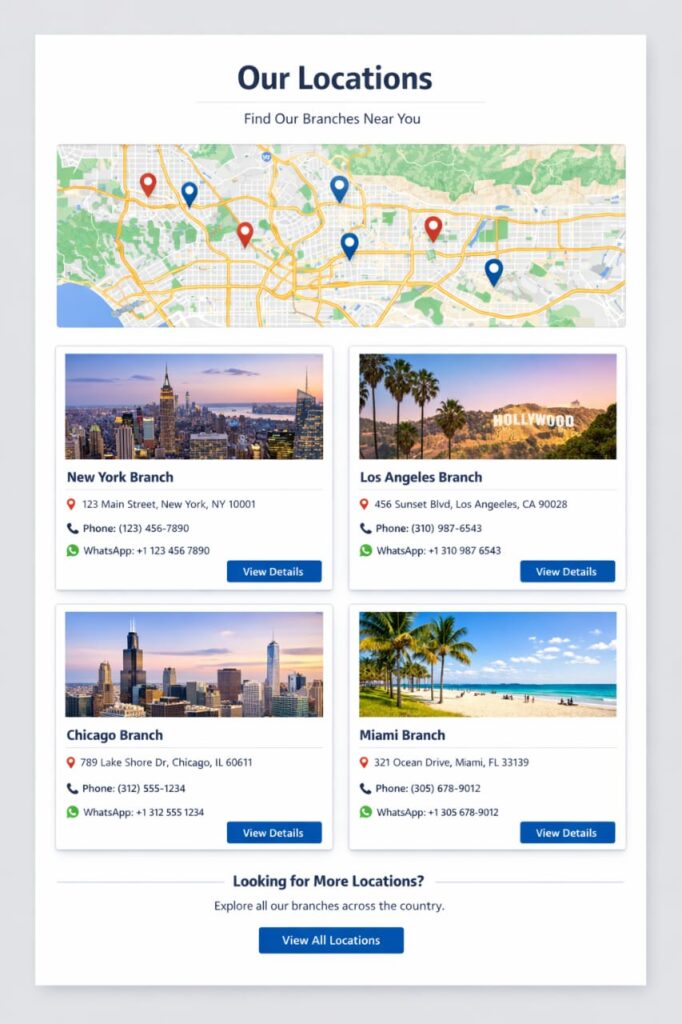
Check your website in that your mobile number should match every where in Home page, call buttons, WhatsApp chat button, and Contact us page. One mobile number should visible in everywhere in the website. Also your website should match the same business name and category should match, services, products, add your details your experience and bio also if you have multiple branches add you map locations links and address details and for each branch add a mobile number seperately.
Submit a Mobile number appeal form
If the mobile number is not updated in Google business profile after 1 month, you can submit an appealthese form to prove that the mobile number you’re trying to update is genuine and you’rean appeal the owner of this business with proof. Before submitting an appeal form, make sure you first read all these Business Registration forms, Sign board photo, Website link, Business ID, Your full name, the number that you’re trying to update in Google Business Profile, and Registered form ID Number. Before submitting, profiles use the everywhere check; all social media profiles that use the same mobile number should match everywhere